Archive of posts with the topic
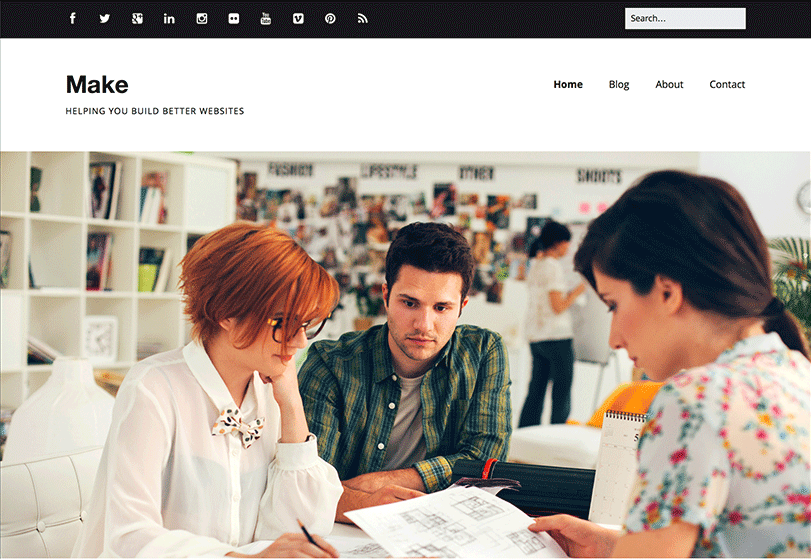
To celebrate yesterday’s big release of our new Make theme, we’re holding a contest. Two chosen winners will receive a 1 year Foundry Pro membership, which includes Make Plus and all 12 of our WordPress themes. Foundry Pro is valued at $199.
Here’s how you can win:
- Download Make for free and install it on your WordPress website.
- Build a website with Make. The drag and drop page builder and customization options makes this part really easy! If you need help, don’t forget to read the Make theme documentation.
- Add a link to your website in the comments of this post or tweet with the hashtag #maketheme.
The contest will end next Wednesday May 28th. We’ll then announce the winners and also feature their sites in a blog post.
If you have any questions, let us know in the comments!
The Theme Foundry started with a free WordPress theme, Vigilance, back in 2008. Since that day, we’ve focused mostly on premium WordPress themes. Today, we’re getting back to our roots.
Introducing Make
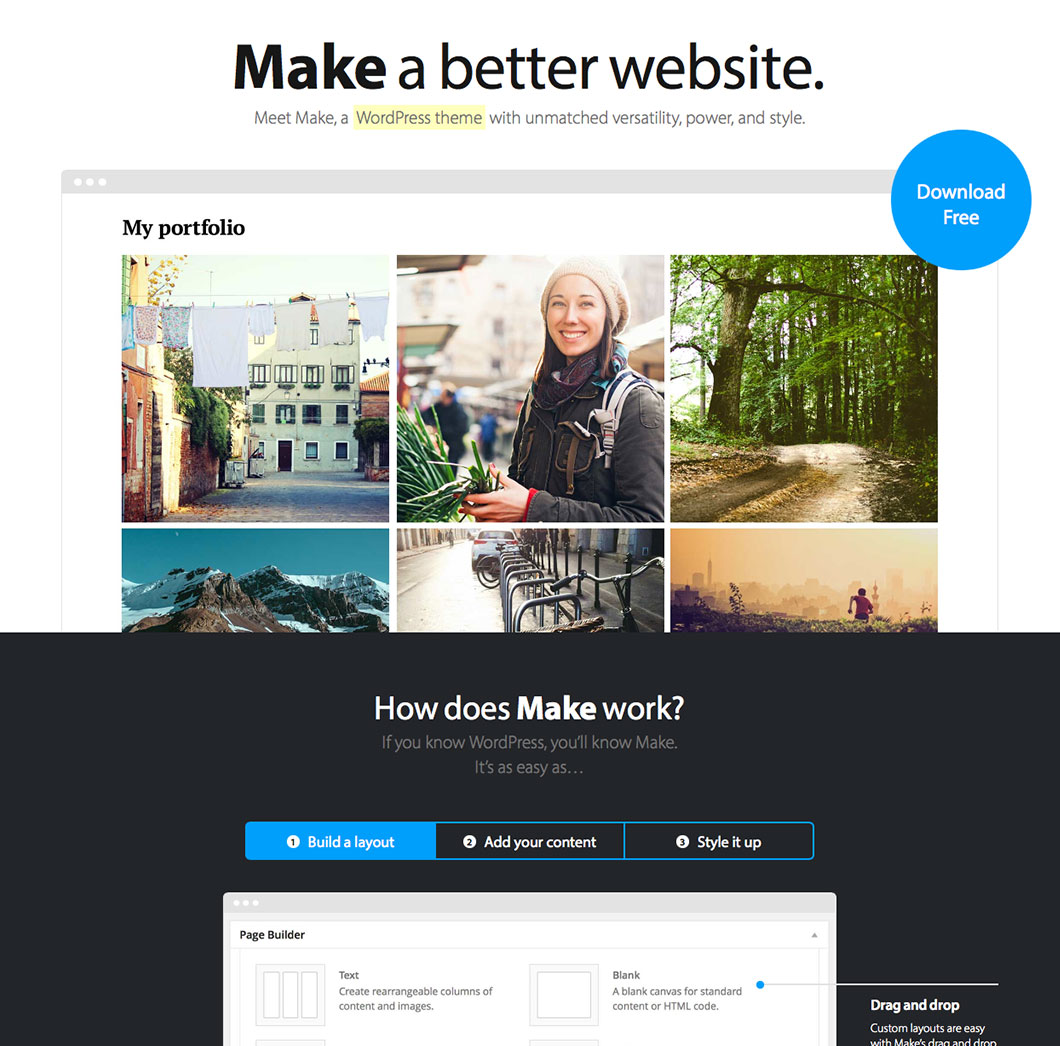
We’re incredibly excited to announce Make, a powerful new WordPress theme with unmatched versatility and style. Make is completely free and hosted in the WordPress theme directory. It’s also fully compatible with popular plugins like WooCommerce, Gravity Forms, Contact Form 7, Jetpack, and WP PageNavi. View the source code and contribute over at the Make Github repository.
Free, and our best yet.
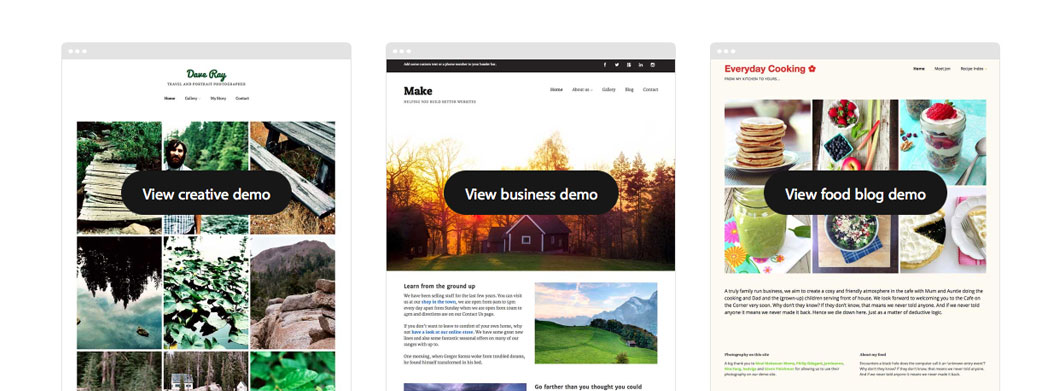
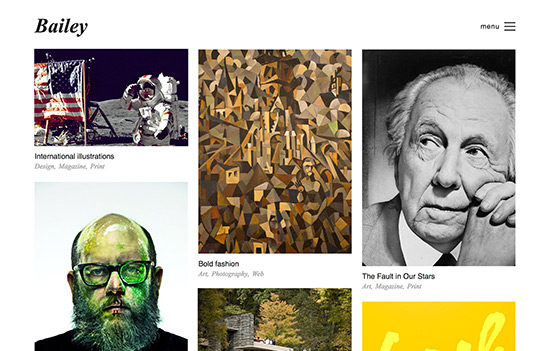
You might think free and think basic. Not so fast. Make is our most powerful and flexible theme yet. In fact, we see it as our flagship theme of the future. It gives you complete control over every aspect of your website, and takes the drag and drop page builder from Basis to the next level. You can build almost any type of website with Make. Here’s some sample sites built with Make:
Read more

On the surface, a WordPress contact form seems simple. Create a contact page, add the form syntax, and click “Publish.” Done.
Unfortunately, that order of operations is a one-size-fits-all approach to a user engagement issue with no one-size-fits-all solution. Your use of web forms should align with personal or organizational goals – not to mention the needs of your users.
If you’ve never thought about contact forms this way, these five tips will help you determine whether you’re using forms effectively. And if you’re not, you’ll learn how to improve your approach.
Read more

Can a WordPress caching plugin really improve your website’s performance? The WordPress community thinks so. And we agree.
If you’ve never heard of caching or aren’t sure how it works, don’t worry. We’re about to discuss the basics of caching and the potential benefits of using a caching plugin for your WordPress site. We’ll also examine the strengths and weaknesses of the most popular caching plugins available.
Read more
Update: The Spring Sale has officially ended. Until next time!
We haven’t had a sale at The Theme Foundry since 2010! We’re way overdue. For the next 24 hours use coupon code springsale14 and take 50% off the regular price of any WordPress theme in our collection. You can also use the coupon to save 50% on Foundry Pro, which gets you access to all our themes for one year, and normally costs $199.
This is the perfect opportunity to power up your WordPress website with a professional theme. Who knows, you might have to wait 4 more years for the next sale 🙂

The WordPress Media Manager was improved dramatically in WordPress 3.5. Even with all the improvements, the Media Manager can still be intimidating if you don’t have much experience with it. Here’s 3 tips on getting the most out of the WordPress Media Manager.
Read more

All of the recent headlines about large-scale data breaches make it easy to forget about the importance of our own internal website security. Luckily, WordPress comes with five default user roles that help you control how individual users interact with every aspect of your website.
Once you understand the capabilities of these five WordPress user roles, you can instantly assign or modify roles through the User screen on the WordPress dashboard.
Read more
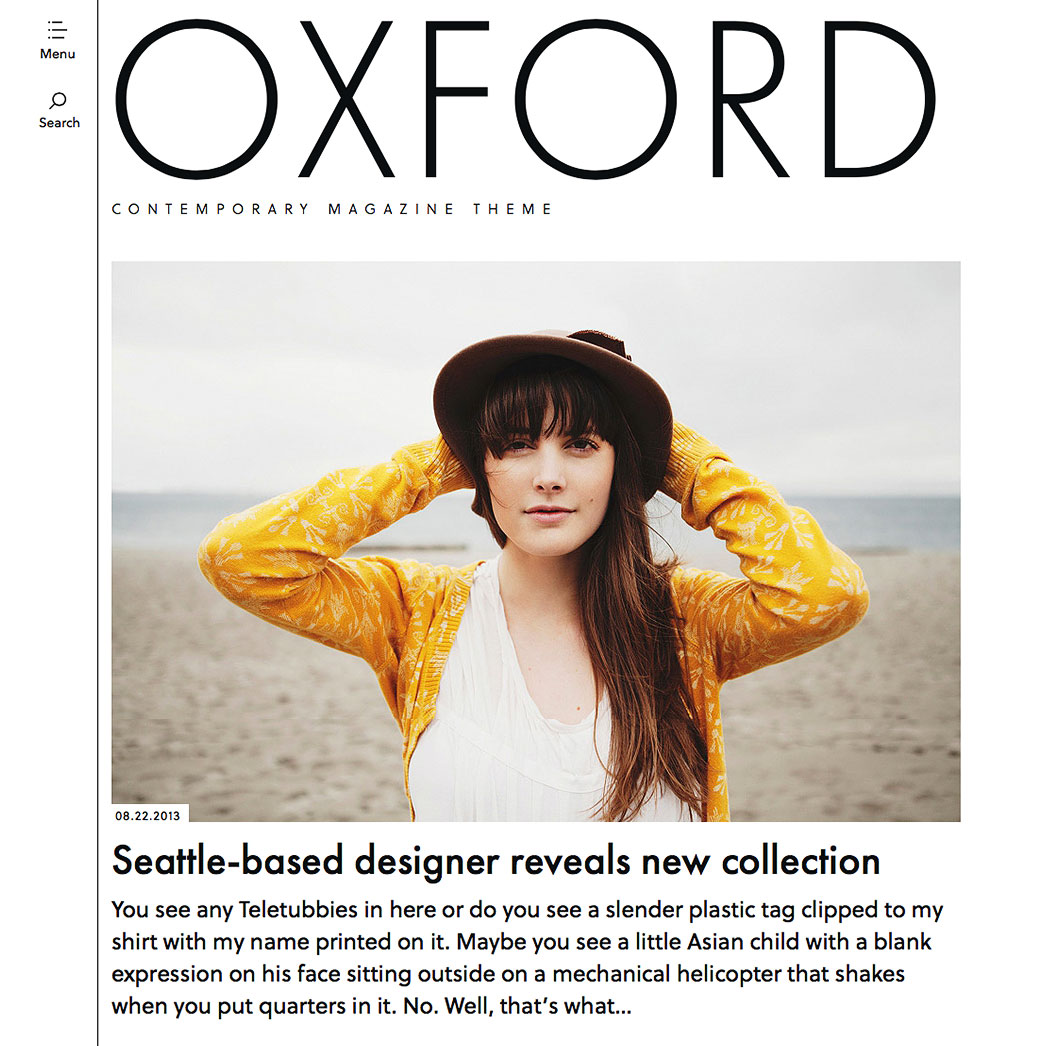
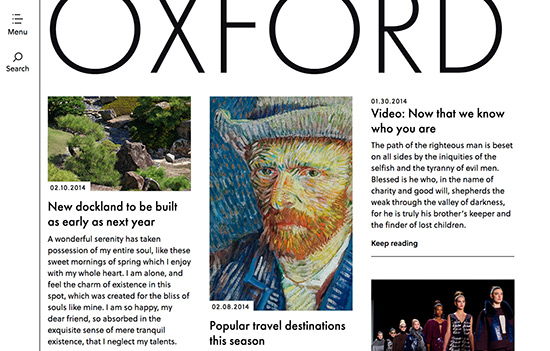
Today is a big day here at The Theme Foundry. We’re releasing a stunning new magazine theme called Oxford, and announcing an exciting new partnership with Typekit, the leader in commercial grade web fonts.
Oxford comes with two professional Typekit fonts built right in: Soleil and Futura PT. These fonts pair together perfectly, making Oxford a great fit for anyone who needs a professional look for their blog. We encourage you to visit the live demo of Oxford to see it in action and visit the Oxford theme page to learn more about some of the features.
Read more
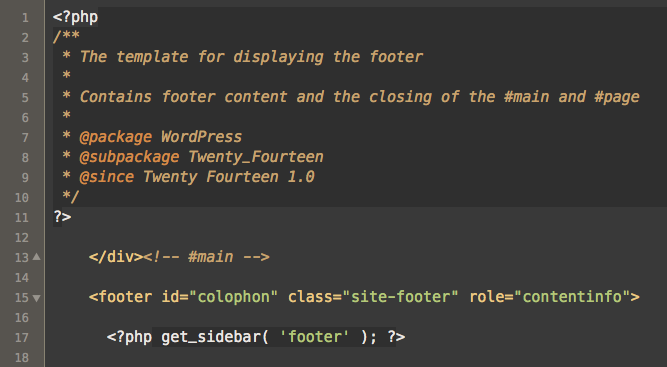
If you’re new to working with WordPress themes, learning how to edit WordPress theme HTML can be intimidating. Here’s how it usually unfolds: You get really excited to make a change to your website and open up a template file to make some edits. Immediately, you see a bunch of PHP code and start running for the hills. Slow down! It’s important to remember WordPress themes create fully functioning HTML pages. They just do it using PHP, which can be confusing at first. Once you understand the basics of how a WordPress theme actually works, the mystery starts to unravel.
Read more

WordPress has a less than stellar security reputation. You may have even heard some horror stories from friends or colleagues who’ve had their site hacked. So, is WordPress actually secure?
Yes. Very secure. To understand why, consider the popularity of WordPress. It now powers around 20% of the internet. It’s extremely popular. WordPress is also open source software. This means the underlying code can be reviewed by anyone. WordPress security issues can be uncovered and reported by any of the thousands of developers that use the software, so they tend to be discovered and fixed quickly. If you’re the president, would you rather have fifty secret service agents looking out for you, or just one? More eyeballs and more scrutiny equal better security.
The popularity of WordPress is also a weakness. Imagine those millions of WordPress websites as a roaming herd of buffalo. Now imagine some hungry wolves (malicious hackers) hunting for a meal. The thundering herd is obviously going to attract some attention. But, what buffalo will they target? The stragglers of course. The old, the young, and the weak. Your goal is to not be one of those stragglers. Let’s review some basic WordPress security practices that will help you keep up with the herd.
Read more