Our latest theme, Make, features a simple drag and drop page builder interface. It gives you the power to build a professional and responsive website by arranging sections and columns on your page.
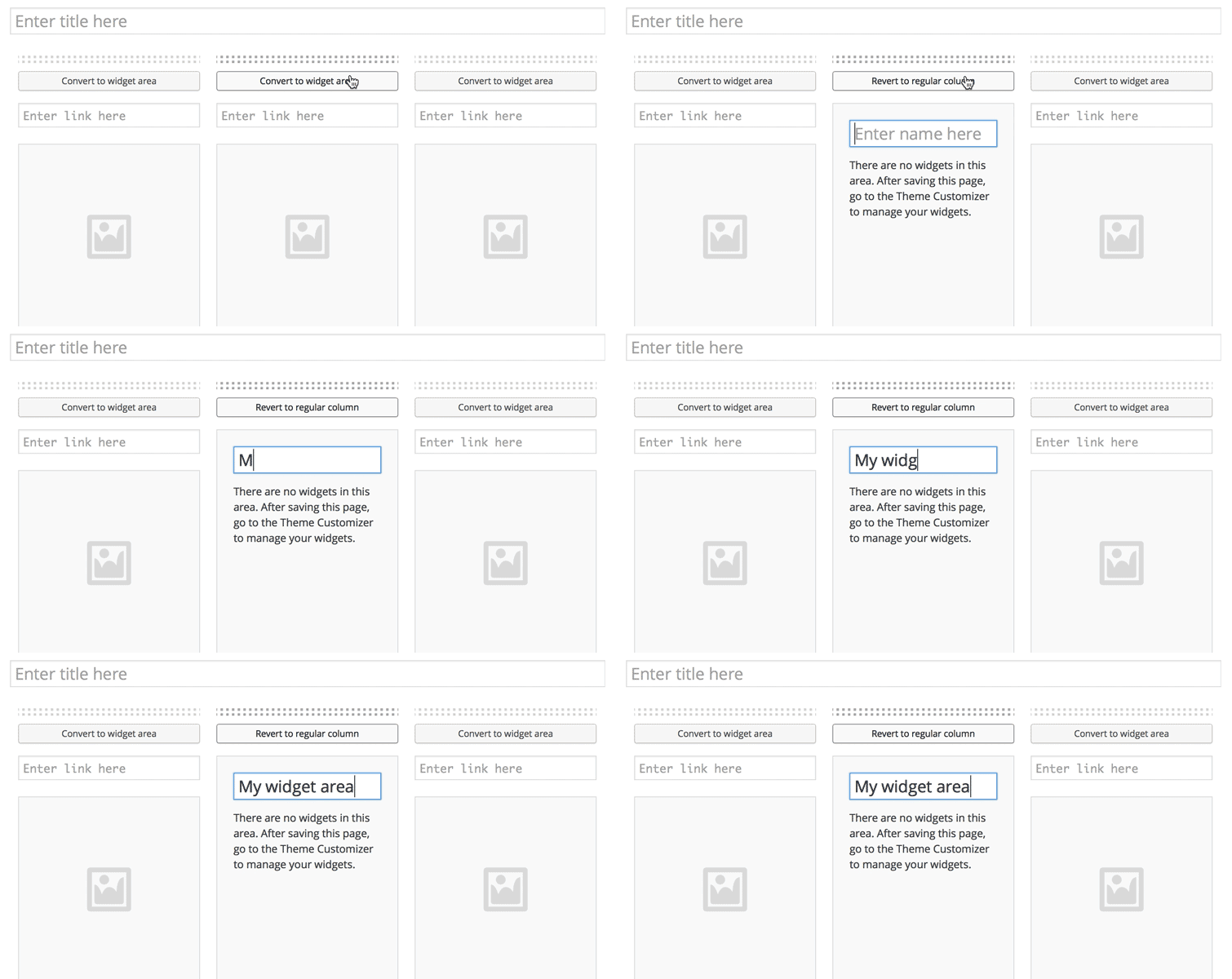
We wanted to make the page builder even more flexible by adding support for widget areas in Make Plus. Widget areas unlock all kinds of interesting options. Popular plugins often add custom widgets to WordPress. These widgets can be placed almost anywhere on the page when you’re using the Widget areas that come with Make Plus. Some quick examples of what you can do with widget areas:
Read more

A faster website can help you attract readers, retain them, and improve SEO. And if you’re using WordPress, incorporating a few simple administrative practices – and changing some publishing habits – could be just what you need to speed up WordPress.
Let’s explore several ways small publishers can make WordPress faster. These tips are for coders and non-coders alike, so anybody can use them to improve website performance.
Read more

Many popular blogs use third-party commenting systems. From social sign in to support for rich media, comment management systems like Disqus and Livefyre bring an array of features to online conversations. Read through these brands’ marketing literature, and you might be convinced that native WordPress commenting is dull and outmoded by comparison.
Yet in spite of the impressive feature suites these two well–heeled organizations bring to the table, WordPress comments still have a lot to offer. In fact, the WordPress comment system provides at least one extremely useful feature for small publishers – a feature neither Disqus nor Livefyre can touch.
Let’s consider that feature and others as we explore the advantages of WordPress native comments and alternative comment applications alike. We’ll begin with the option many of us already know well: the built-in WordPress commenting system.
Read more
Earlier this week we released a new version of Make Plus, the powerful companion plugin for our new free drag and drop WordPress theme, Make.
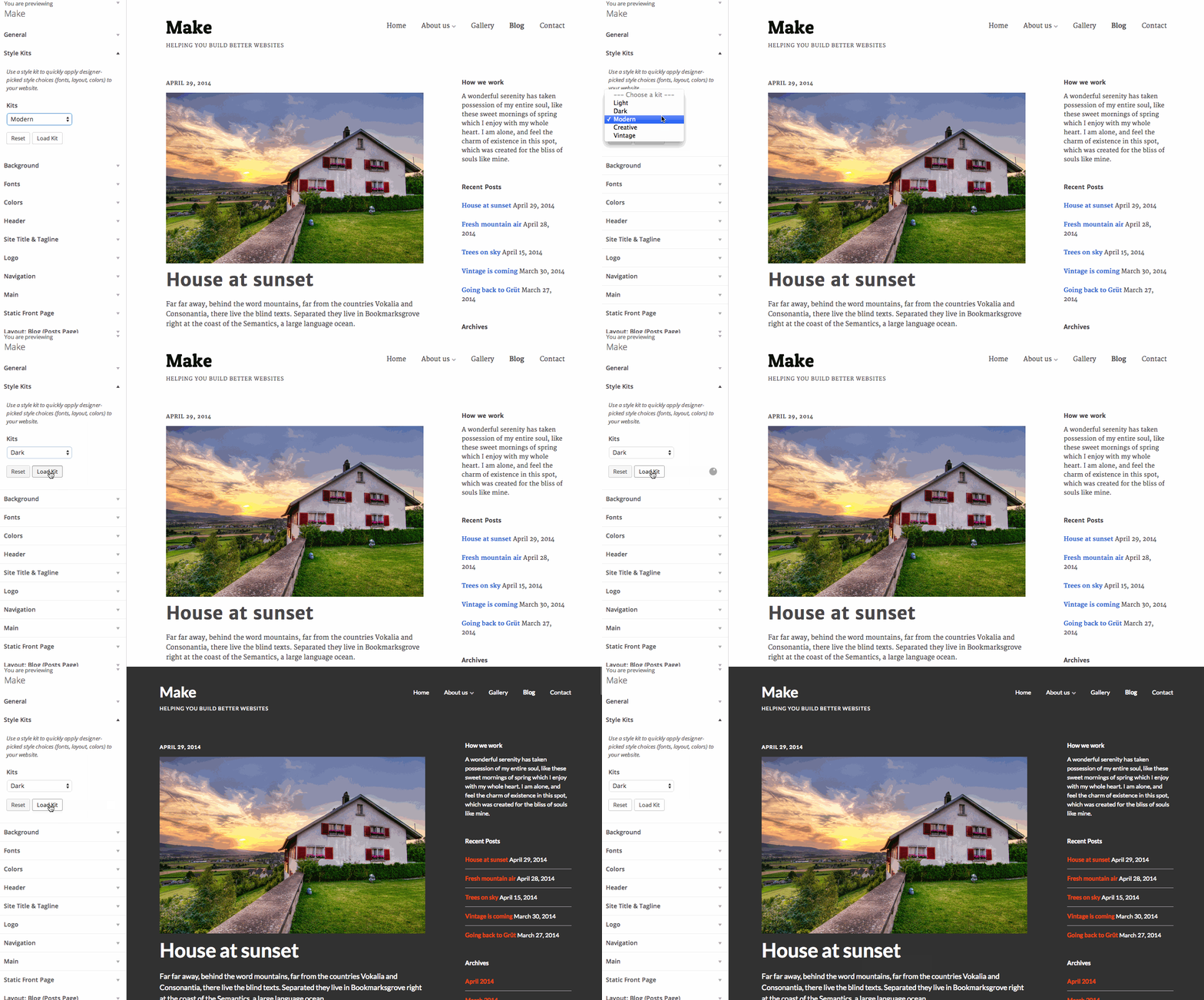
One of the new Make Plus features is Style Kits. Think of them like custom starter themes for Make. Style Kits give you a head start with the design of your Make powered site. When you load a Style Kit, we’ll populate your Customizer design settings for your site with some hand picked style choices. You can then take control and tweak each the individual setting to get things just right.
Here’s the rundown on the rest of the new features we released:
Read more

Prior to April, 2014, modifying WordPress widgets posed a serious editorial challenge. To view any changes made to a widget, publishers had to click “Save,” navigate to a website’s front end, and examine the published modifications. Any mistakes would already be visible on the live website.
Thankfully, the release of WordPress 3.9, Smith, took care of this issue for good. By merging the popular Widget Customizer plugin into the WordPress Core, the latest update lets users enjoy live widget previews before publishing any changes.
Here, we’ll show you how to use this new feature and improve how you work with widgets. Never again will you publish widget content without previewing it first – and that’s a beautiful thing.
Read more

One of our most common customer requests is: “How do I set up my website like the demo website?”. The most obvious answer would be to just hand that customer an unwieldy dump of demo WordPress data to import into their website. A slightly better option would be to add a button to our theme that imports this same dump of data into their WordPress website automatically.
When building Make, we knew we wanted to solve this problem, but neither of these solutions felt like a very nice user experience. Dumping a bunch data into a WordPress site just feels sloppy. We really wanted to find a more intentional approach.
Read more
To celebrate yesterday’s big release of our new Make theme, we’re holding a contest. Two chosen winners will receive a 1 year Foundry Pro membership, which includes Make Plus and all 12 of our WordPress themes. Foundry Pro is valued at $199.
Here’s how you can win:
- Download Make for free and install it on your WordPress website.
- Build a website with Make. The drag and drop page builder and customization options makes this part really easy! If you need help, don’t forget to read the Make theme documentation.
- Add a link to your website in the comments of this post or tweet with the hashtag #maketheme.
The contest will end next Wednesday May 28th. We’ll then announce the winners and also feature their sites in a blog post.
If you have any questions, let us know in the comments!
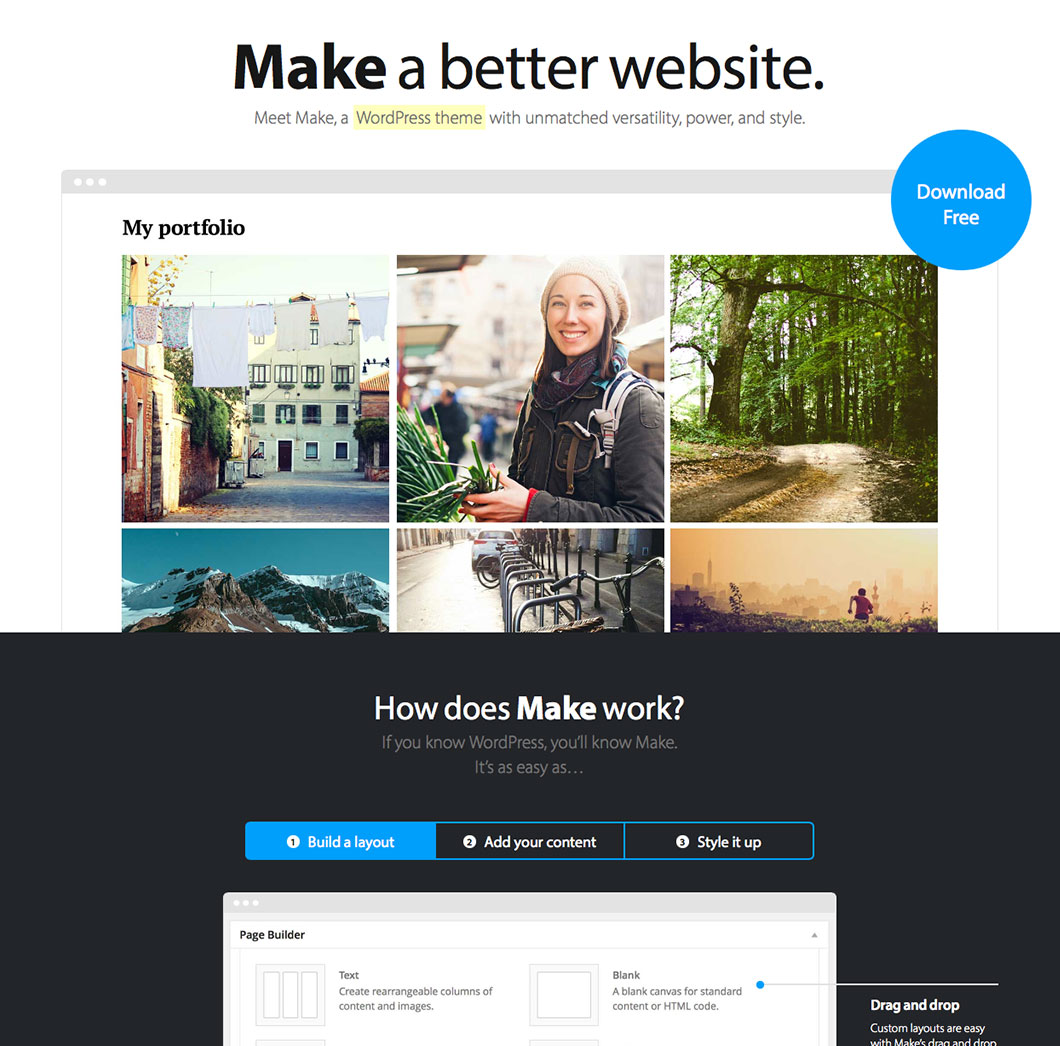
The Theme Foundry started with a free WordPress theme, Vigilance, back in 2008. Since that day, we’ve focused mostly on premium WordPress themes. Today, we’re getting back to our roots.
Introducing Make
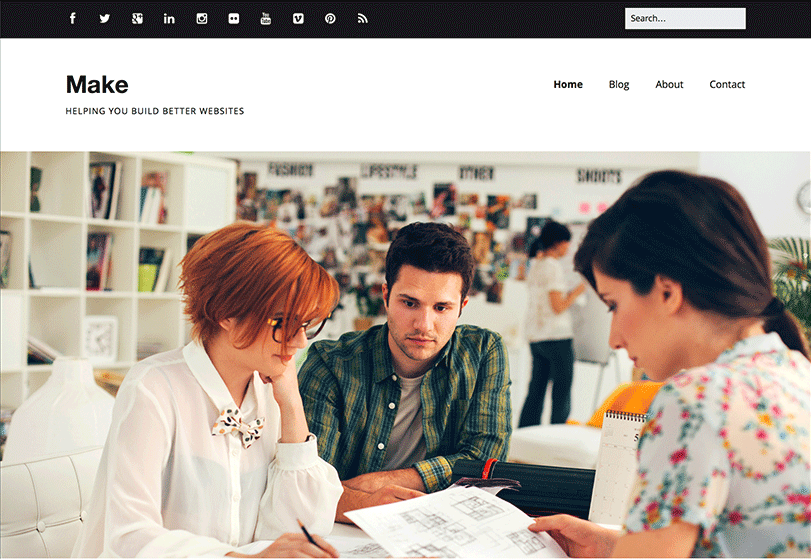
We’re incredibly excited to announce Make, a powerful new WordPress theme with unmatched versatility and style. Make is completely free and hosted in the WordPress theme directory. It’s also fully compatible with popular plugins like WooCommerce, Gravity Forms, Contact Form 7, Jetpack, and WP PageNavi. View the source code and contribute over at the Make Github repository.
Free, and our best yet.
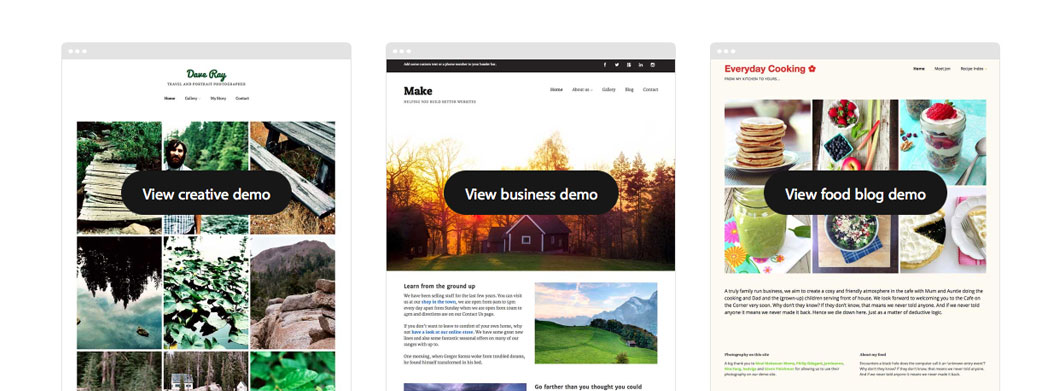
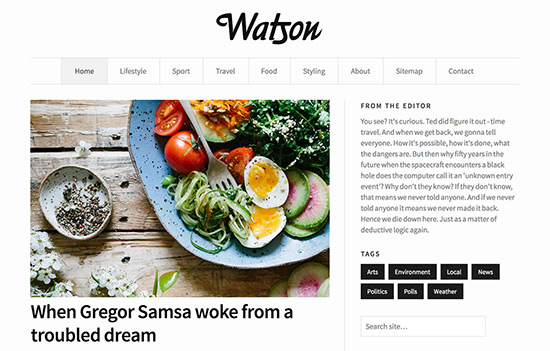
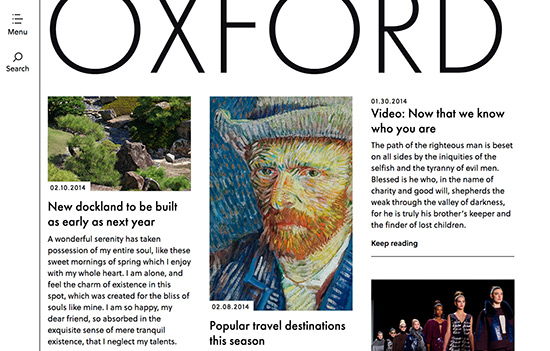
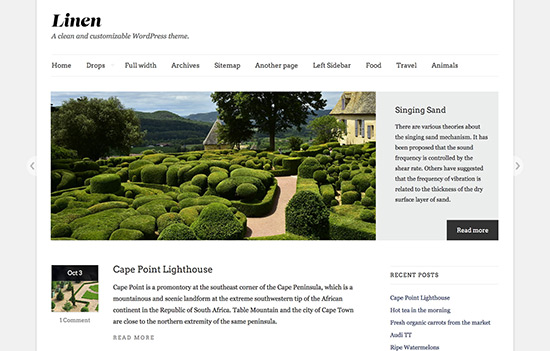
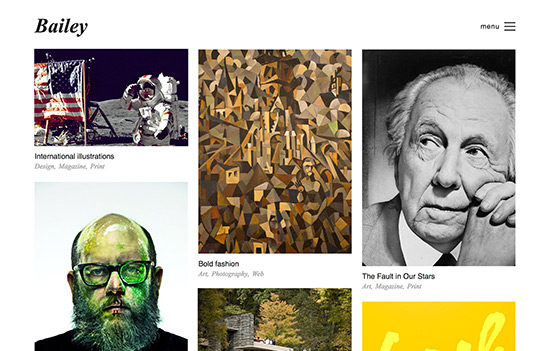
You might think free and think basic. Not so fast. Make is our most powerful and flexible theme yet. In fact, we see it as our flagship theme of the future. It gives you complete control over every aspect of your website, and takes the drag and drop page builder from Basis to the next level. You can build almost any type of website with Make. Here’s some sample sites built with Make:
Read more

On the surface, a WordPress contact form seems simple. Create a contact page, add the form syntax, and click “Publish.” Done.
Unfortunately, that order of operations is a one-size-fits-all approach to a user engagement issue with no one-size-fits-all solution. Your use of web forms should align with personal or organizational goals – not to mention the needs of your users.
If you’ve never thought about contact forms this way, these five tips will help you determine whether you’re using forms effectively. And if you’re not, you’ll learn how to improve your approach.
Read more
Can a WordPress caching plugin really improve your website’s performance? The WordPress community thinks so. And we agree.
If you’ve never heard of caching or aren’t sure how it works, don’t worry. We’re about to discuss the basics of caching and the potential benefits of using a caching plugin for your WordPress site. We’ll also examine the strengths and weaknesses of the most popular caching plugins available.
Read more