



New page templates!
By team on February 5, 2010
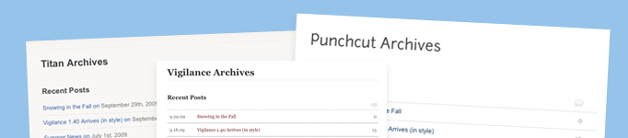
We have 2 new page templates hot off the press and available to our PRO members. You now have the option to use a dedicated Archives and Sitemap template on your blog. These are pretty handy if you want to give your readers a quick and easy way to scan over your content. To use your new templates create a new page called “Archives” and select the “Archives” page template from the Attributes menu on the right hand side of the page editor. Publish the page and you are done. You would follow the same steps to create a Sitemap page.
If you have not customized your PRO child theme then simply upload and overwrite your old theme with the new one (make a backup just in case). You can download the new child themes from the member resources page. If you have made customizations please follow the manual upgrade instructions below.
Vigilance manual upgrade instructions
- Download the new PRO child theme (Version 1.33) from the member resources page
- Copy the new
archives.phpfile and the newsitemap.phpfile into your PRO child theme - Change the version to 1.33 at the top of your
style.cssfile
Titan manual upgrade instructions
- Download the new PRO child theme (Version 1.22) from the member resources page
- Copy the new
archives.phpfile and the newsitemap.phpfile into your PRO child theme - Copy lines 40 and 41 of the new
style.cssfile into your existingstyle.cssfile directly above/* Make all custom CSS changes BELOW this line - Change the version to 1.22 at the top of your
style.cssfile
Punchcut manual upgrade instructions
- Download the new PRO child theme (Version 1.02) from the member resources page
- Copy the new
archives.phpfile and the newsitemap.phpfile into your existing PRO child theme - Copy lines 40 – 45 of the new
style.cssfile into your existingstyle.cssfile directly above/* Make all custom CSS changes BELOW this line - Copy line 56 of the new
header.phpfile over line 56 of your existingheader.phpfile - Change the version to 1.02 at the top of your
style.cssfile