So you want to change this one small thing in your WordPress theme. How do you do it?
It’s a question we’ve addressed on our blog before. Covering everything from the basics of CSS, the pitfalls of editing your theme’s core stylesheet, and the concept of WordPress child themes, the following posts were extremely well-received by our readers:
If you haven’t read those posts yet, we recommend checking them out before proceeding further. You’ll learn how to customize your theme with a child theme, which is usually the best method. This post is for readers who want to customize their theme but, for one reason or another, aren’t sure whether they should use a child theme or a plugin to add custom CSS.
Read more
Earlier this week, we released several user experience enhancements for Make, our powerful, drag-and-drop WordPress theme. We also updated Make Plus, the premium plugin that adds even more great features to Make.
All of these updates come directly from user feedback and feature requests. At The Theme Foundry, we closely monitor your comments and suggestions for improving our themes. For this release, we’ve added many of the requested changes to our free theme – so anyone can download Make and enjoy the enhancements!
Here’s a quick rundown of the improvements we made.
Read more
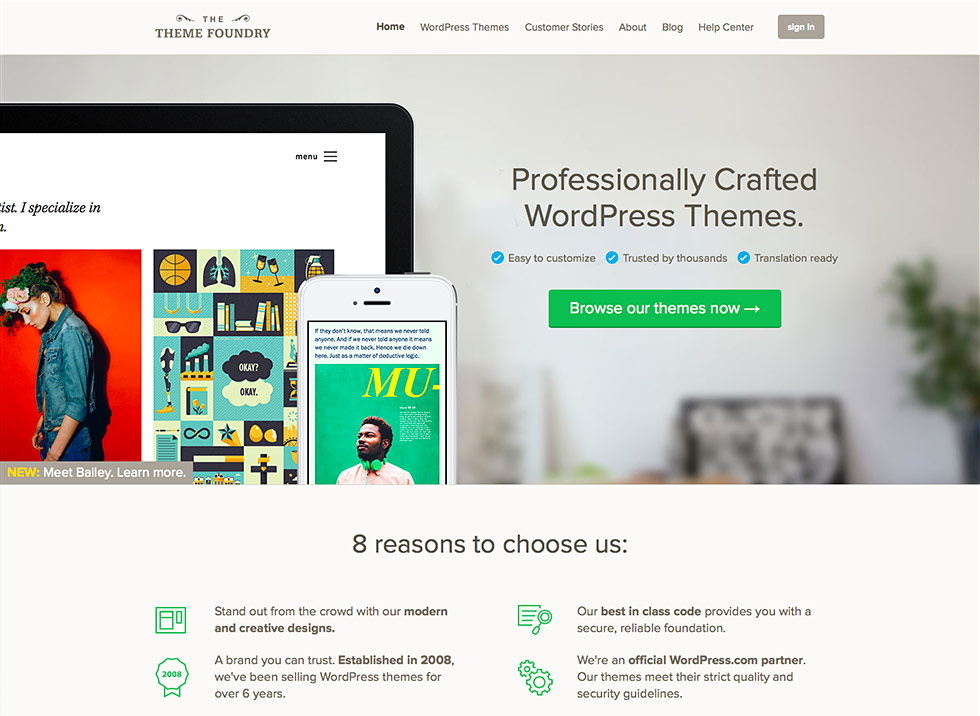
At the Theme Foundry, we strive to provide an effortless, enjoyable experience to everyone who visits our website. It’s with this objective in mind that we recently completed – and launched – our latest website refresh. Check out the home page if you haven’t seen it yet!
While the home page was the focus of this design update, every page on our website underwent several modest adjustments.
Read more
Backing up WordPress gives you options in the face of a server failure, malware attack, or accidental data loss. You’ve put countless hours into building a valuable website, so losing any of it simply isn’t feasible. You need a disaster recovery plan, and an archive of backups can provide one.
Read more

Many bloggers rely on responsive design. A responsive website can help you seamlessly deliver content to a variety of devices and accommodate all of your readers.
The thing is, choosing the right responsive theme isn’t as simple as identifying a design labeled “responsive,” uploading it to WordPress, and clicking “activate.” Evaluating responsive WordPress themes actually requires careful testing, quality analysis, and diligent attention to how a design treats your content.
Read more
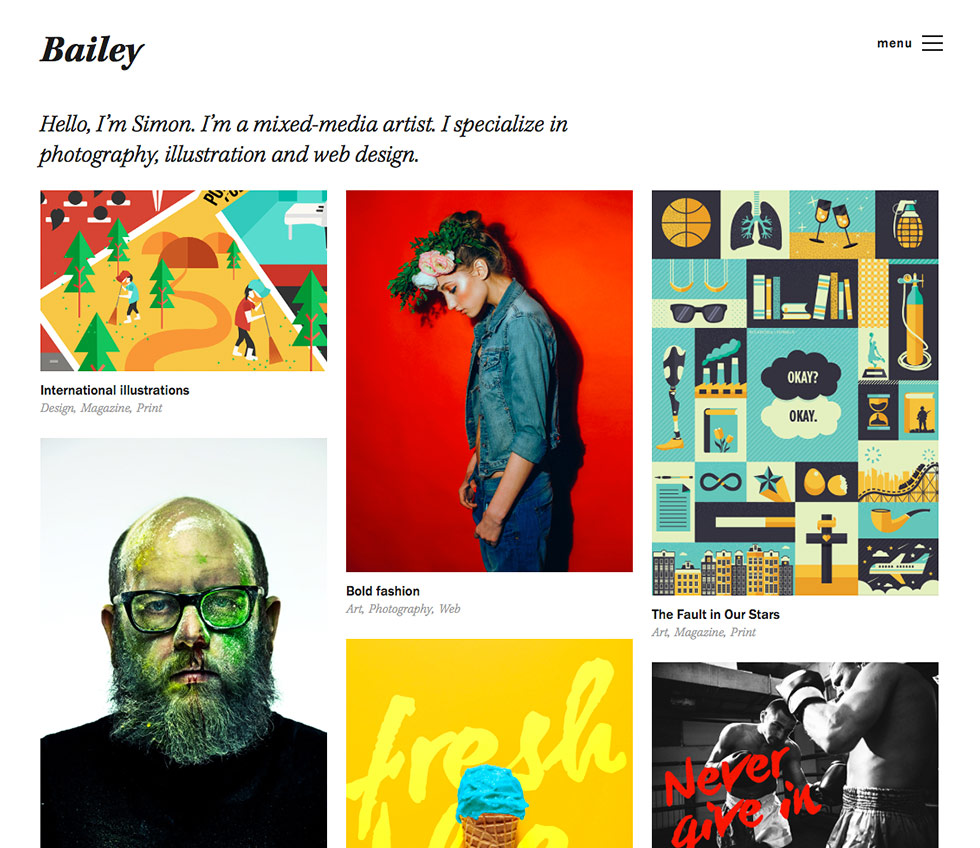
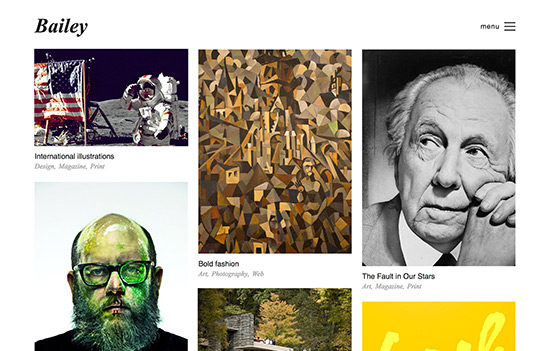
Today we’re proud to announce Bailey, a beautiful new portfolio theme. We’d encourage you to learn more about Bailey and check out the Bailey demo site.
View (and customize!) the Bailey demo site →
Save 25% for 24 hours
For the next 24 hours you can purchase Bailey for $59.25. After the sale ends the price will go back up to $79.00.
Read more

By now, few can deny the benefits of responsive website design. The web follows us everywhere, and responsive websites help publishers connect with readers on a variety of devices.
But what constitutes quality responsive design? Adapting content width to screen size is one thing, but providing a seamless, consistent experience across platforms is quite another. With an eye toward how we design responsive WordPress themes at The Theme Foundry, let’s examine some primary building blocks of effective responsive websites.
Read more

Given WordPress’s status as the web’s most popular self-hosted blogging platform, it’s no surprise that the managed WordPress hosting business is booming.
For a monthly fee up to seven times the cost of shared hosting, many providers offer feature-rich hosting packages built especially for WordPress users. The question, of course, is whether extra features warrant the extra cost.
Here, we’ll discuss why you might opt for managed WordPress hosting. We’ll also look at some popular shared hosts, compare their plans to WordPress-centric alternatives, and help you determine which hosting arrangement best suits your needs.
Read more
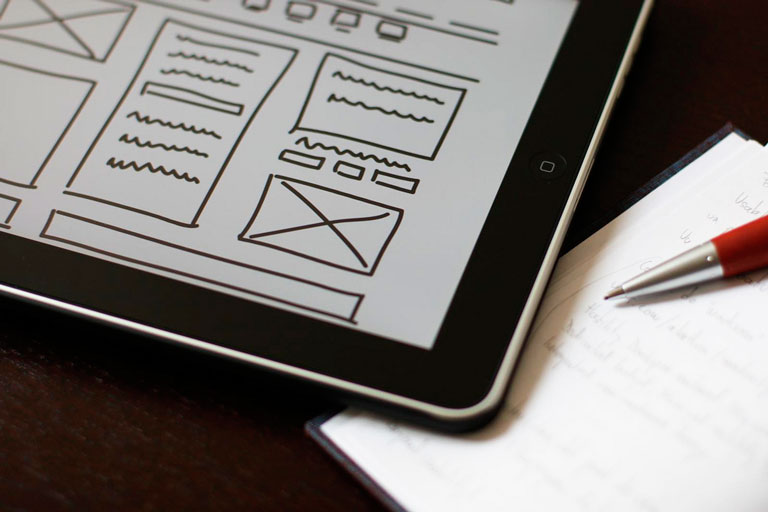
If creating a custom WordPress sidebar sounds difficult, baffling, or all-out impossible, we’re here to destroy your apprehensions. There is a plugin called Widget Logic that gives you precise control over your WordPress sidebar widgets.
Widget Logic lets you display specific widgets on an individual page or group of pages. For example, if you want to display links to your social media profiles alongside individual posts but not on your “About” page, Widget Logic can make it happen. There’s a catch, though. Widget Logic requires you to add conditional tags to every widget – and adding conditional tags means learning a little PHP. If you don’t mind learning a little PHP, or already know how to edit code, keep reading.
If you don’t feel like learning PHP, or have no interest in code, take a look at our Make WordPress theme. Make features a powerful drag and drop page builder, and when you upgrade to Make Plus, you’ll also get on demand widget areas and per page sidebar controls. Once you start using Make with Make Plus, you’ll have all the precise sidebar control you could ever wish for.
Read more
A couple of weeks ago, to celebrate the release of Make, we held a contest. The only criteria was to show us a site that was created with Make. Our two winners, Kristyn Brady and Tracey Upchurch, did just that and we are happy to share their sites with you today!
As we were congratulating Kristyn and Tracey we took the opportunity to learn more about each of them and their life online. Here is what they had to say:
Read more